Integration
Shopify + PIM: the integration playbook
Most Shopify-PIM integrations break in the same five places. Metafields drift. Translations get overwritten. Inventory races. Here's how to design the integration so none of that happens.
April 18, 2026 · 3 min read · NEXERA team
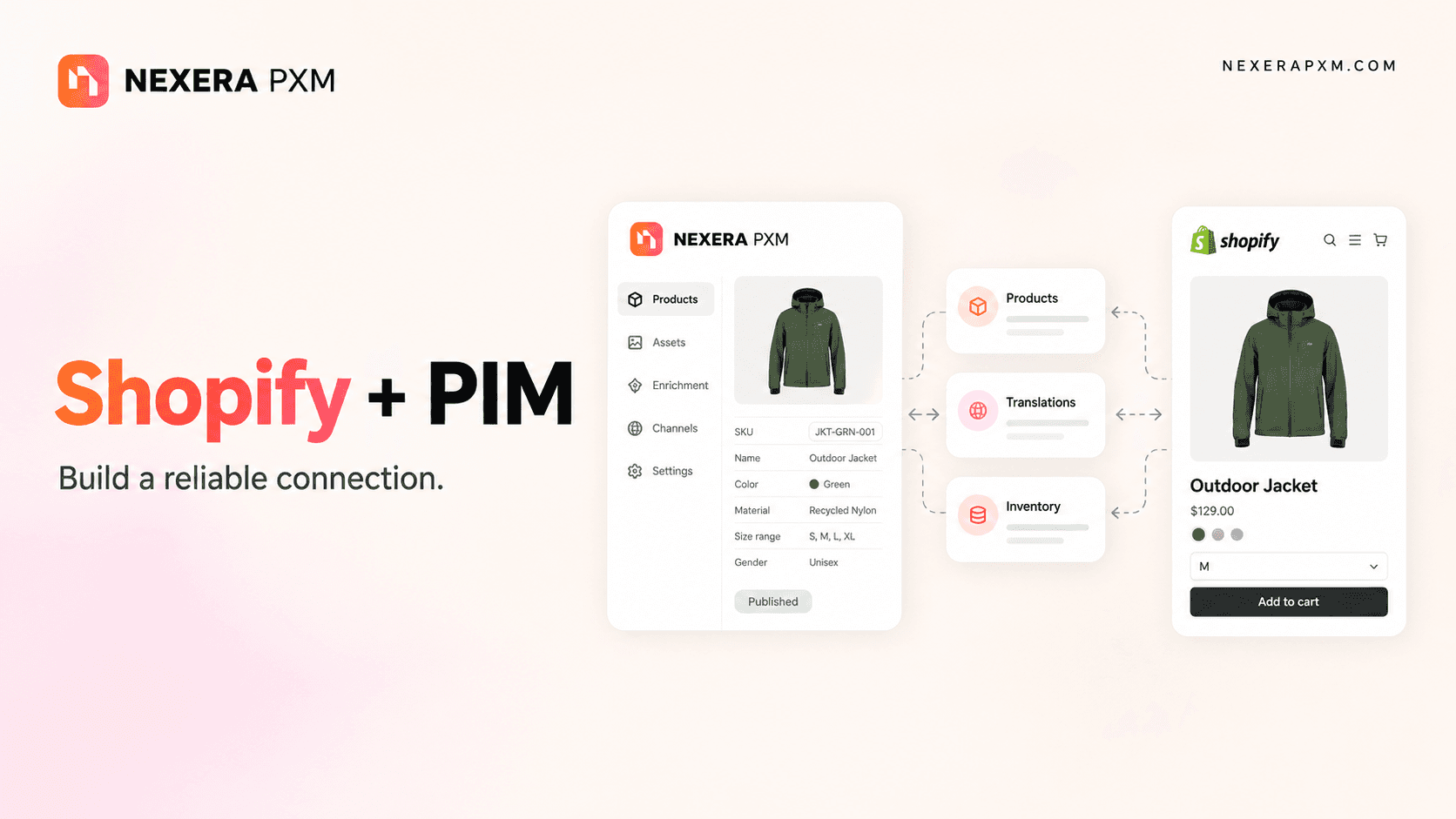
Shopify is, for most brands, the storefront layer. The PIM is the catalogue layer. The integration between them is where most teams quietly lose ten hours a week. Here's how to set it up so they don't.
The shape of a good Shopify-PIM integration
Two-way. Always two-way. The PIM is the source of truth for product content. Shopify is the source of truth for what's been edited locally by a merchandiser, what's selling, what's in stock per location, and what's been priced for a campaign. A one-way push from PIM to Shopify creates a politics problem within a quarter, because the team using Shopify will resist a system that overwrites their edits.
The actual data flows:
PIM → Shopify (outbound):
Products: title, body, vendor, tags, options, status
Variants: SKU, EAN, prices, compare-at, weight, position
Images & media: ordered, with role mapping (HERO, GALLERY)
Metafields: structured attributes mapped to
pam_*namespaceMetaobjects: materials, certifications, sizing systems
Collections: custom and smart, with rules pushed to Shopify
Translations: Translate & Adapt-compatible entries per locale
SEO: meta title, description, handle, Open Graph
Multi-location inventory: per-location stock
Shopify → PIM (inbound):
Stock changes via
inventory_levels/updatewebhookPrice edits, captured without overwriting product content
New products from
products/create, with attribute extractionProduct updates diffed against PIM and surfaced for review
Deletes and archives via
products/deleteOrder signals for sell-through and pricing intelligence
Locale changes, added locales pulled into the language mapper
app/uninstalledsafely disconnects without nuking data
The five places most integrations break
1. Metafield namespace drift
A merchandiser adds a metafield directly in Shopify under custom.material. Your PIM ships its own pam.material. Now you have two source-of-truth fields on the same product. Three months later nobody knows which one is "real."
The fix: pick one namespace and enforce it. pam_* for PIM-owned, shop_* for Shopify-native. Inbound mapping resolves drift by either adopting the Shopify field into the PIM (with audit) or rejecting it.
2. Translation overwrites
Shopify's Translate & Adapt stores translations as a separate resource. A naive PIM push overwrites translations every cycle, undoing whatever the localisation team did inside Shopify.
The fix: treat translations as diffable. PIM pushes a translation only if (a) the PIM is the declared owner of that locale, or (b) the Shopify-side translation is empty. Otherwise, surface a diff for review.
3. Inventory race conditions
An order ships in Shopify at the same moment a PIM workflow updates inventory from the ERP. Last-write-wins → oversells.
The fix: PIM never writes absolute inventory levels. It writes deltas, or it defers to Shopify as the inventory source of truth, depending on which is master. Pick one, document it, enforce it.
4. Image ordering chaos
A merchandiser reorders images in Shopify to highlight the seasonal SKU. The next PIM push reorders them back to "alphabetical by filename."
The fix: PIM pushes images with explicit positions and roles (HERO, GALLERY_1, GALLERY_2, LIFESTYLE). Shopify-side reorders update the position fields back in the PIM, so the merchandiser's intent persists.
5. Collection rule drift
Smart collections in Shopify use Shopify's rule grammar. Custom collections are hand-curated. PIM-driven collections are a third source. Without a single owner, products show up in collections that don't make sense.
The fix: declare per-collection ownership. PIM-owned collections get pushed and overwrite. Shopify-owned smart collections are read-only from the PIM side. Custom hand-curated collections are surfaced in the PIM but not modified.
The integration patterns that work
Three patterns we apply on every customer:
Soft launches. A new product enters the PIM with status
draft. Shopify gets the listing but it stays as a draft until the validation gate passes. No published page ever shows half-built content.One-click rollback. Every push to Shopify is journaled. If a bad enrichment goes live, "rollback last sync" reverts in seconds, not "restore from backup."
Diff-before-push UI. Before any non-trivial change ships, the merchandiser sees a side-by-side of "what Shopify has now" vs "what we're about to push." They can accept, reject, or modify.
The summaryShopify and the PIM aren't a master-slave relationship. They're peers. Treat them as peers, declare ownership per field, journal everything, and the integration stops being the place where ten hours a week disappear.
If you're starting from a one-way export-only integration today, the biggest single upgrade you can make this quarter is making the connection two-way. The friction inside your team will drop by an order of magnitude.